Dark Tech
A cold gleam on black — engineers spot their own at a glance
Near-black base plus a high-contrast glyph or subtle glow: Linear, Obsidian, ChatGPT. The dark icon broke out of developer tools and is now the default skin of 'AI-native' — it assumes the user keeps dark mode on all day, and the icon is one cold gleam in the dark ocean.
Proven in the market
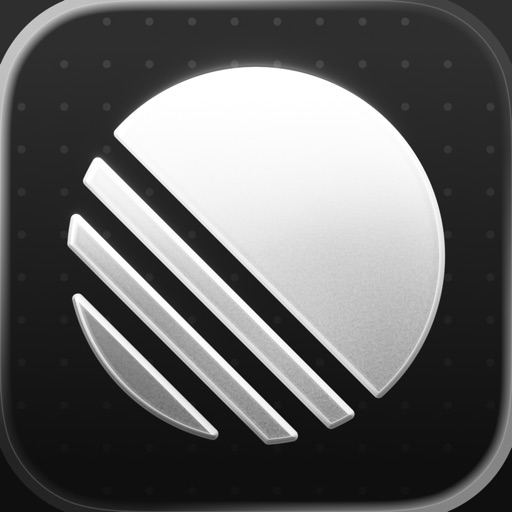
Concentric colored arcs on near-black — 'Linear aesthetics' has become the name of a design school.
Source: App Store ↗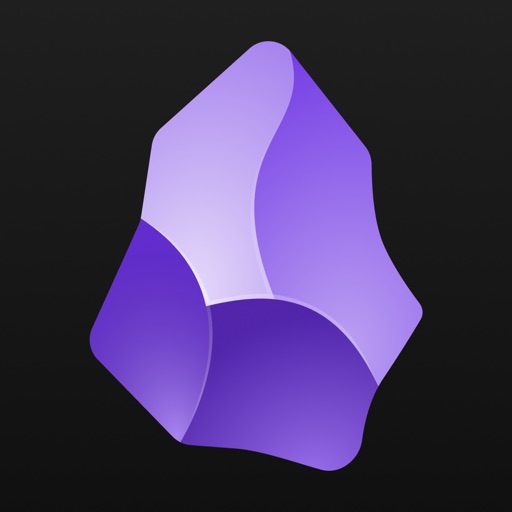
A glowing crystal on deep purple: the knowledge tool carves the 'mined ore' metaphor right into the icon.
Source: App Store ↗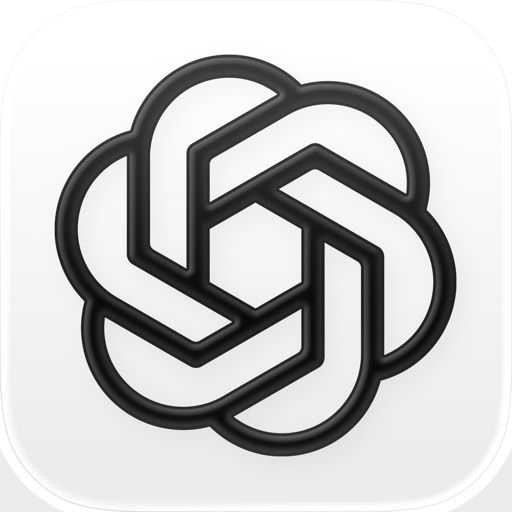
A white knot-flower on black — the most imitated silhouette of the AI era.
Source: App Store ↗All icons are live App Store icons shown for style reference only; copyright belongs to each app. Sources linked per image.
Why it works commercially
- Native to dark mode: developers and AI users live in dark UIs — no inversion needed
- Cold filter: black carries a 'capabilities, not marketing' air that screens out non-target users
- Glow memory: one gradient gleam is the entire decoration — restraint is the identifier
- Constraint: risky for mass consumer apps — black triggers 'professional software anxiety'
Best suited for
- Developer tools
- AI-native products
- Productivity and knowledge management
Ready-to-use prompt
One glow color, one direction only; also export a pure-white inverted variant for light contexts.
Design an app icon for {{APP_NAME}}: near-black background (#0B0B0F), a single minimal glyph of {{SUBJECT}} in white or a subtle {{COLOR_1}} glow gradient, thin precise strokes, dark-mode native, no text, no drop shadow, rounded-square iOS icon format, 1024x1024.