Rich Texture
A stroke of paint, a sliver of light — an icon built like a small artwork
Real light, paint and material turn the icon into a miniature artwork: Procreate's rainbow brush stroke, Genshin's metal crest. The textured route keeps getting validated in the two experience-heavy categories — creative tools and games: the more the icon looks like a poster, the more users trust the product's quality.
Proven in the market
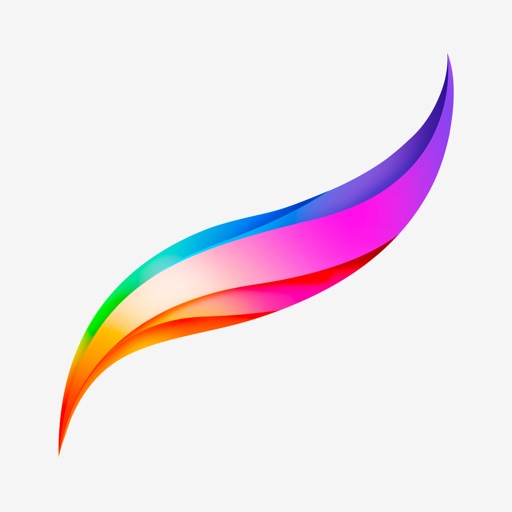
One wet rainbow stroke on black — the 'sharpen your tools' manifesto compressed into a single brush mark.
Source: App Store ↗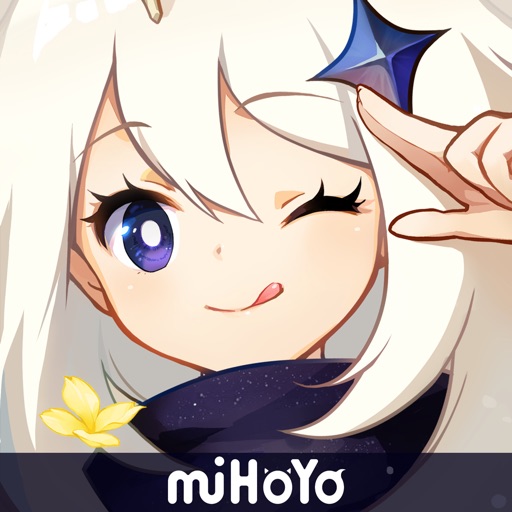
A platinum-gradient metal crest: the game's Teyvat worldview rendered as a collectible badge.
Source: App Store ↗All icons are live App Store icons shown for style reference only; copyright belongs to each app. Sources linked per image.
Why it works commercially
- Quality signal: brushwork and lighting declare 'this is for people who do serious work'
- Instant standout: most of the list is flat color blocks, one textured icon jumps out
- Emotional density: games pre-stage their world, tools pay homage to craft
- Constraint: detail dies at small sizes — ship a simplified variant for notification bars
Best suited for
- Drawing and creative tools
- Games
- Craft-forward brands
Ready-to-use prompt
Render two versions: the 1024 detail cut and a 29px simplified cut; keep exactly one textured subject — cut the second element.
Design an app icon for {{APP_NAME}}: a single dramatic {{TEXTURE_SUBJECT}} (brush stroke / emblem / artifact) with realistic lighting and rich color on a dark {{COLOR_1}} background, poster-quality rendering, centered composition, no text, rounded-square iOS icon format, 1024x1024.